
Every movement,
coordinated.
One operating picture for agencies, drivers, agents and VIPs. Plan trips, verify handoffs with QR codes, and follow every journey in real time.
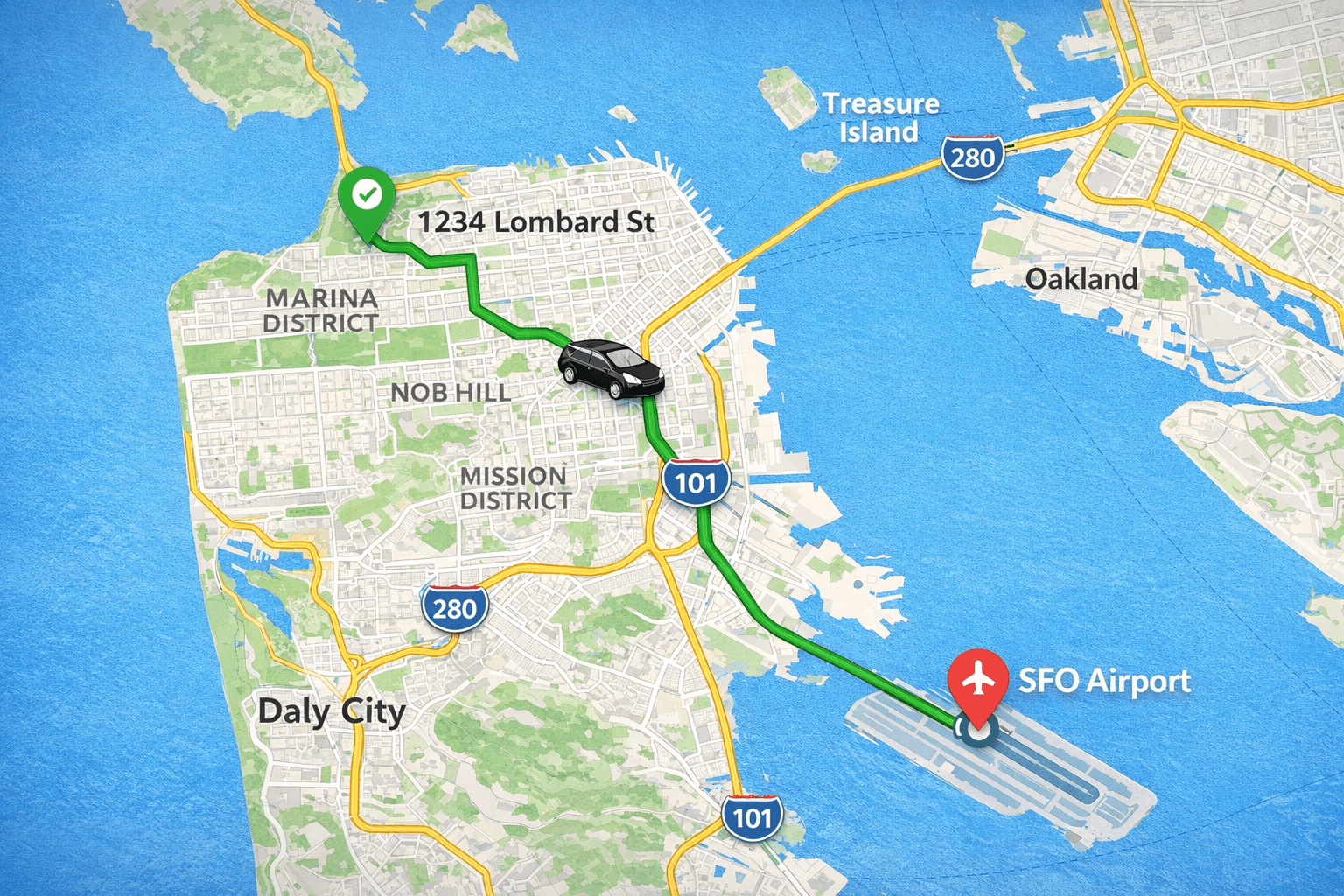
Role-Based Access
Driver, agent and VIP — each with focused views
QR Handoffs
Confirm the right people at every pickup
Trip Chat
In-trip messaging for the assigned team
Live Trip Tracking
Real-time locations and trip status
Plan, assign, verify and
track every trip
QR-verified handoffs, in-trip chat, live tracking and a complete trip record — all in one place.
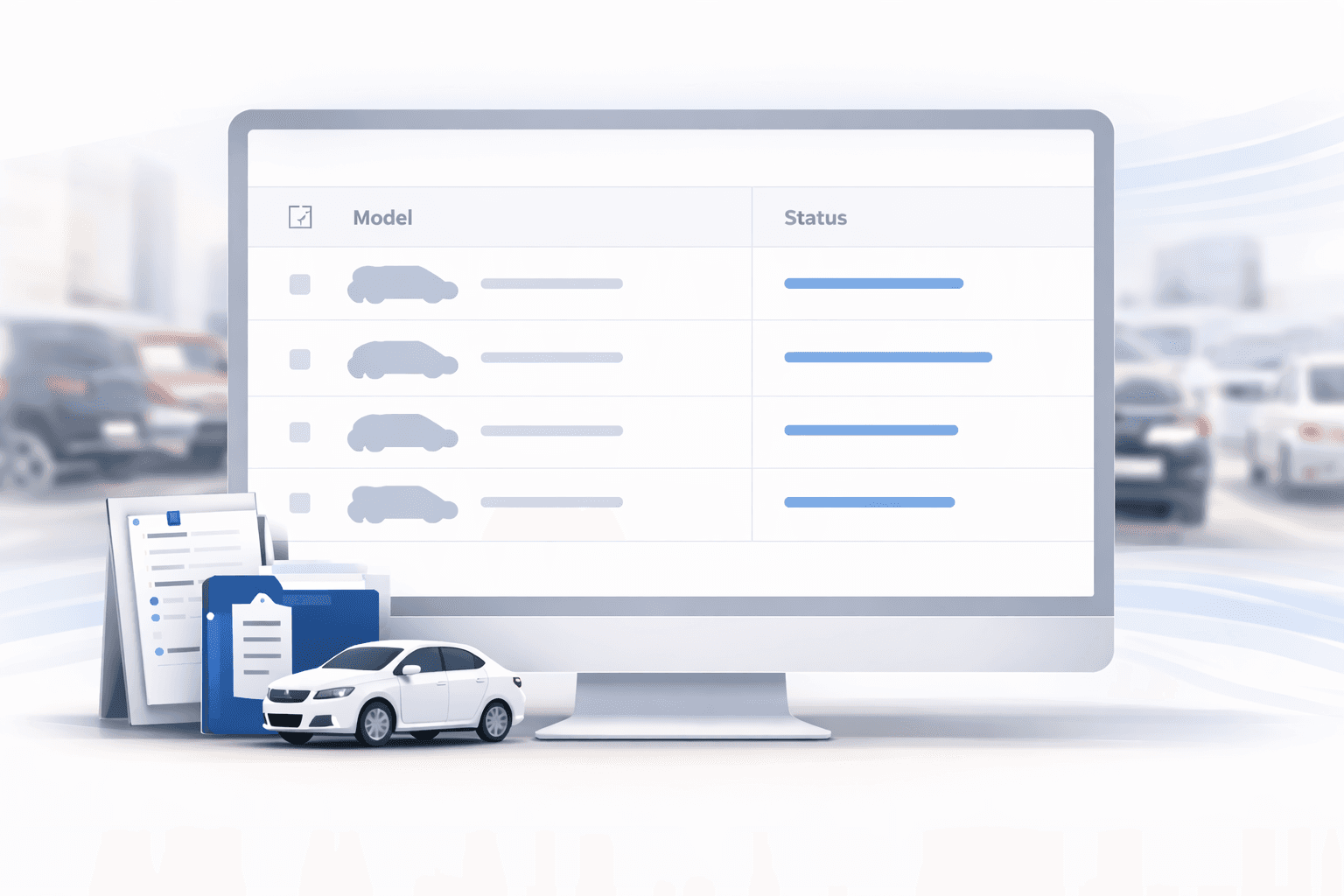
Role-Based Access
Driver, agent and VIP — each with a focused experience.
- Agency admin sets who sees what
- Driver, agent and VIP have separate apps
- Audit trail of every action
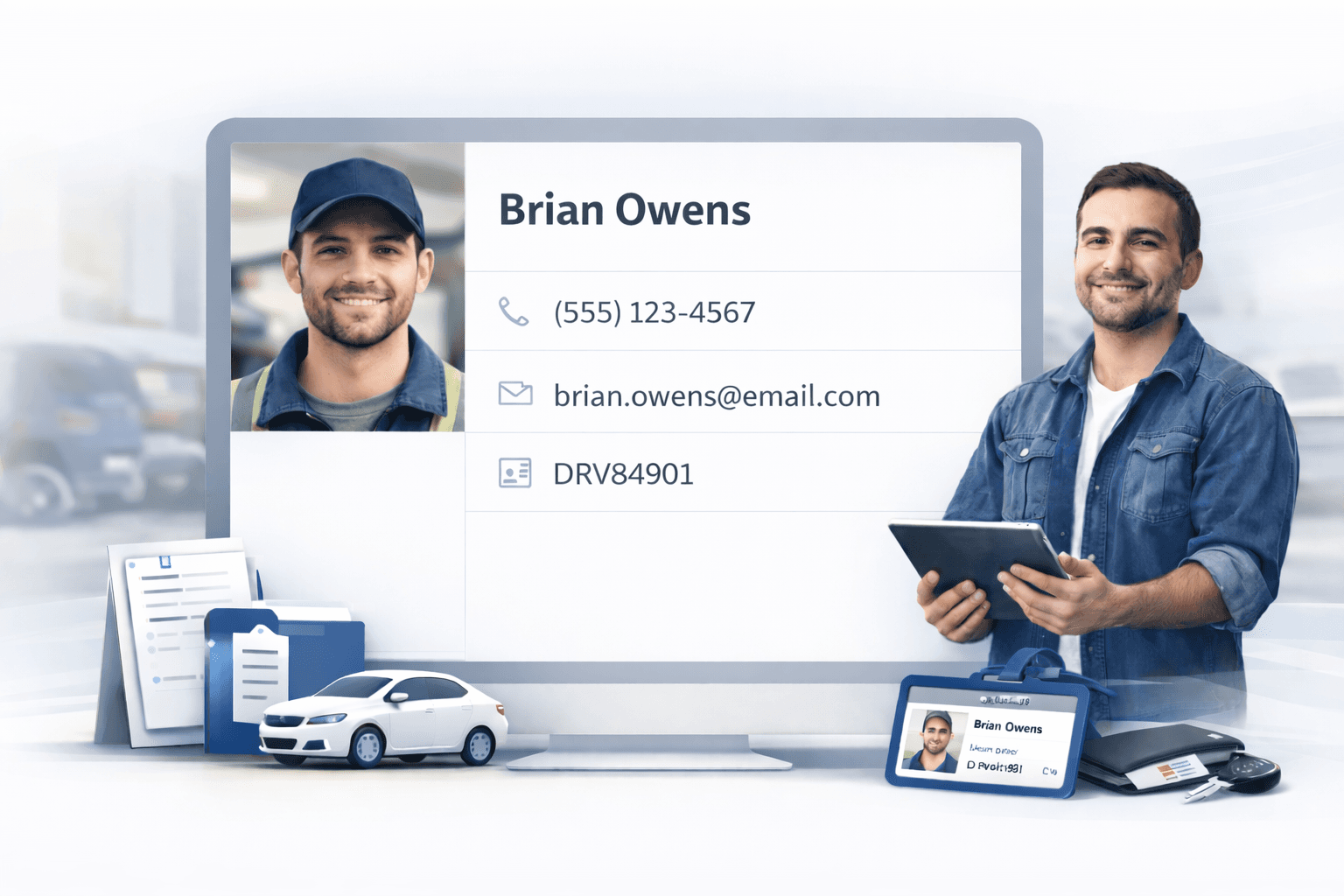
QR Handoff Verification
Driver, agent and VIP confirm each other at every pickup with QR codes.
- Driver shows QR; agent scans to confirm pickup
- Agent shows QR; VIP scans to confirm identity
- Every scan is logged to the trip record
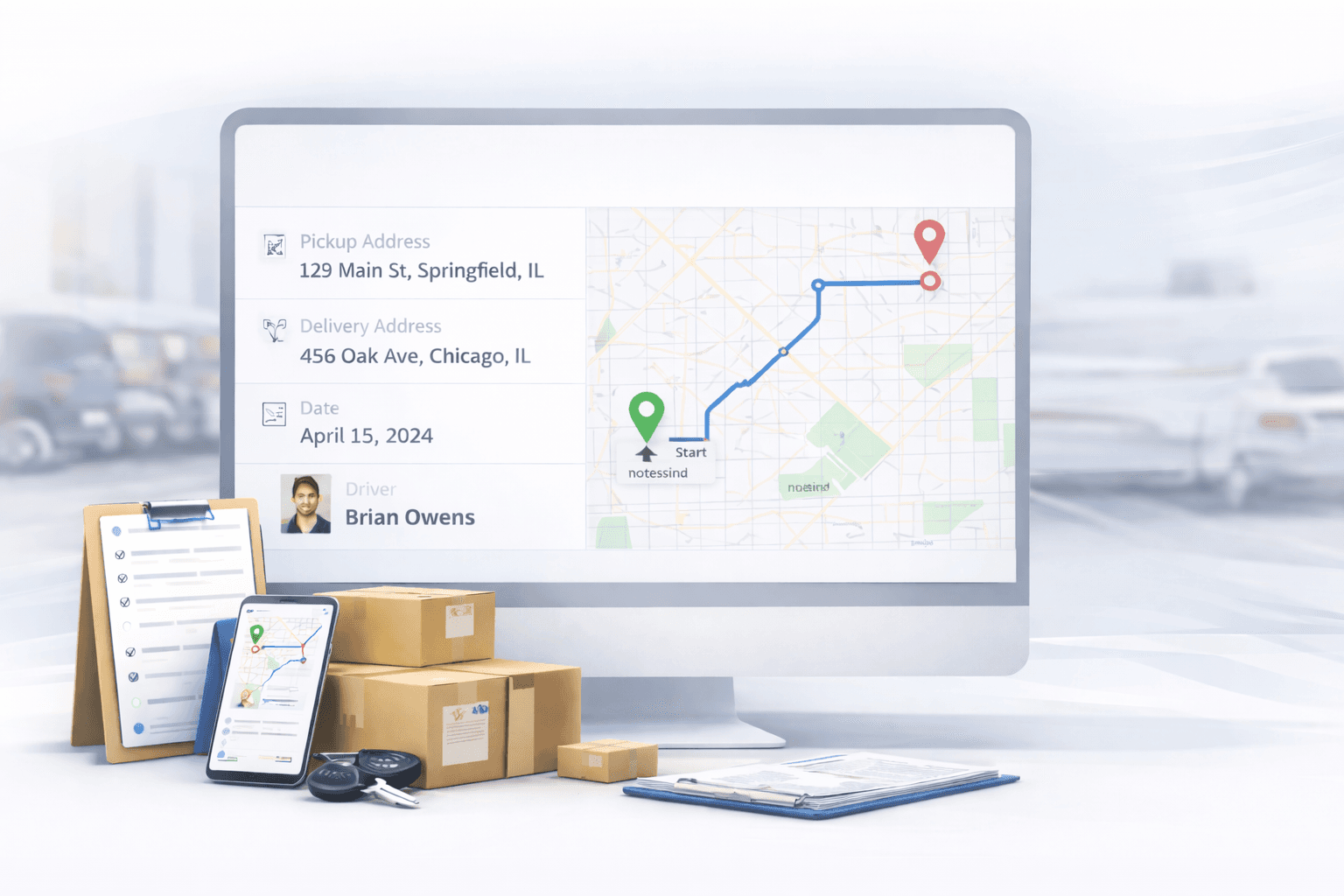
In-Trip Chat
Stay coordinated in real time with the team assigned to the trip.
- Live messaging with the assigned team
- Typing indicators and read receipts
- Background push notifications
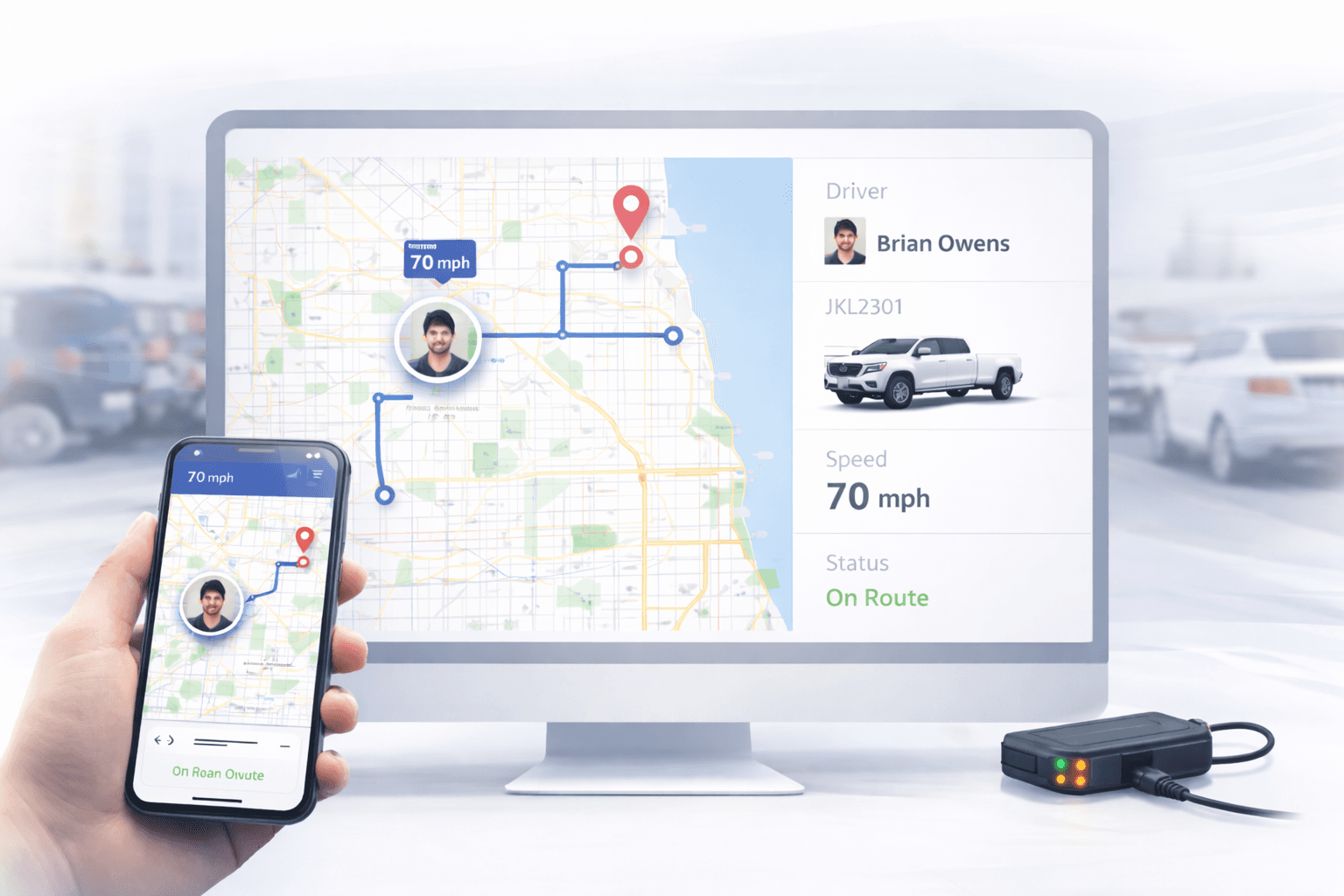
Live Trip Tracking
Follow every trip on a live map from pickup to drop-off.
- Driver location streams to the dashboard
- Status updates: en route, arrived, in trip, complete
- Trip history and message archive
From setup to go-live in
minutes, not days
Get your fleet online and track trips in four simple steps.
Register Your Agency
Get secure access to the portal for your team.
Add Vehicles & Drivers
Build your fleet in minutes—add vehicles with specs and onboard drivers with profiles.
Plan a Trip
Choose locations with Maps, assign driver and vehicle, and launch the trip.
Monitor Live
Watch the trip unfold on your dashboard with real-time GPS tracking and updates.
How the process
works?
From dispatch to destination — see how agents, drivers, and VIPs connect securely.
Driver
Agent
Driver shows their QR. Agent scans it from the app to confirm pickup.
Seamless experience for
your drivers
Empower your drivers with a dedicated mobile app – receive assignments, navigate, and update trip status on the go.
Everything your drivers need, right in their pocket
The Motorcade Driver App keeps your team connected to the trip with live tracking, in-trip chat and QR-based handoffs.
Receive trip assignments instantly
Push notifications for new trips with full details.
Turn-by-turn navigation
Integrated with Google Maps for optimized routes to pickup and drop-off.
QR handoff
Show your driver QR so the agent can confirm pickup from their app.
In-trip chat with the team
Live messaging with the agent and VIP assigned to the trip.
Available now on iOS and Android
Ready to streamline your
fleet operations?
Schedule a personalized demo with our team and see how Motorcade can bring every trip into one operating picture.
Why request a demo?
- See the platform in action
- 30‑minute live walkthrough with a product expert
- Get answers to security and compliance questions
- No obligation, no sales pressure
Start with one pilot team and grow as the workflow proves out.
Frequently asked
questions
Everything you need to know about Motorcade. Can't find what you're looking for? Contact our team.